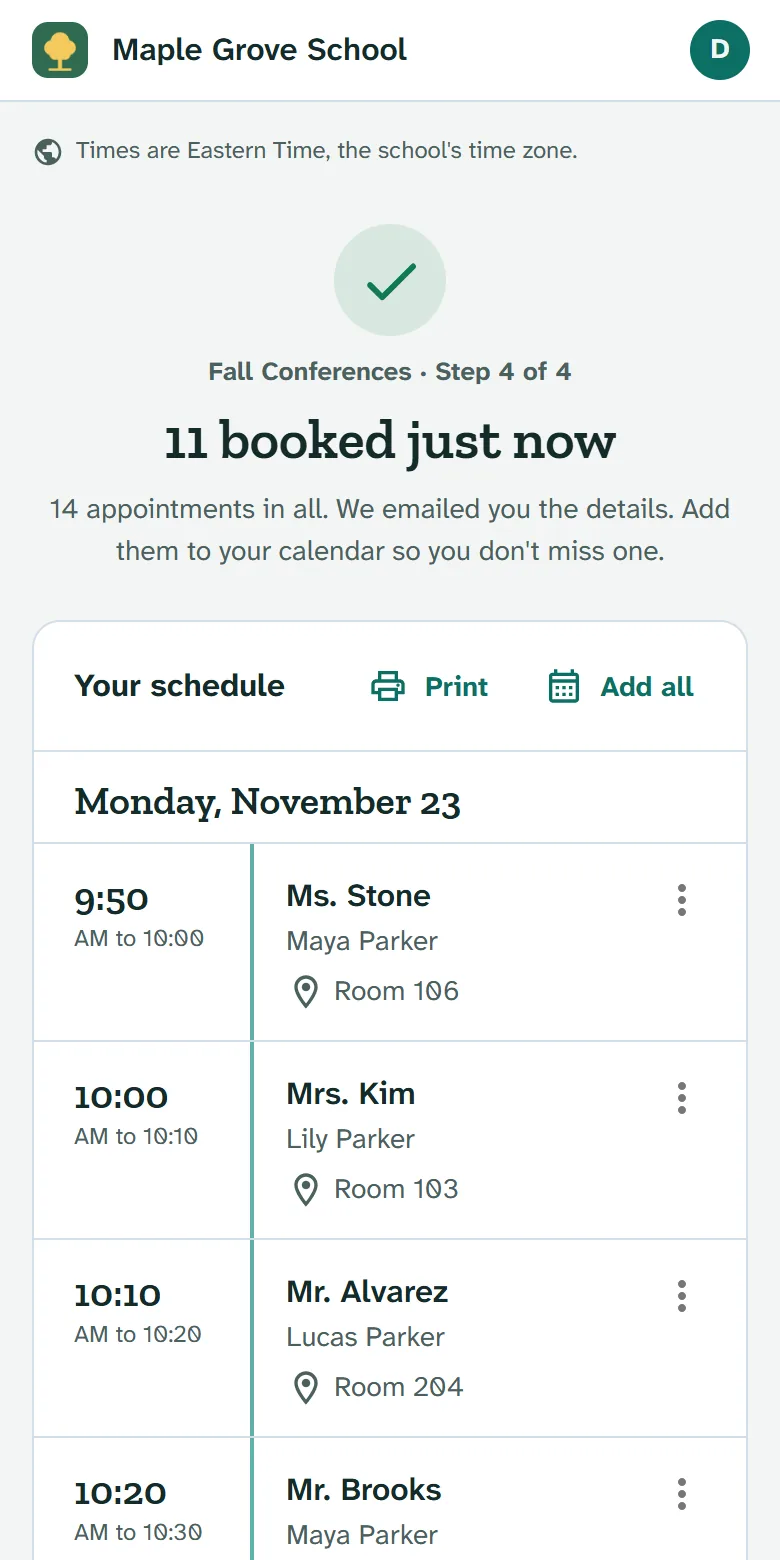
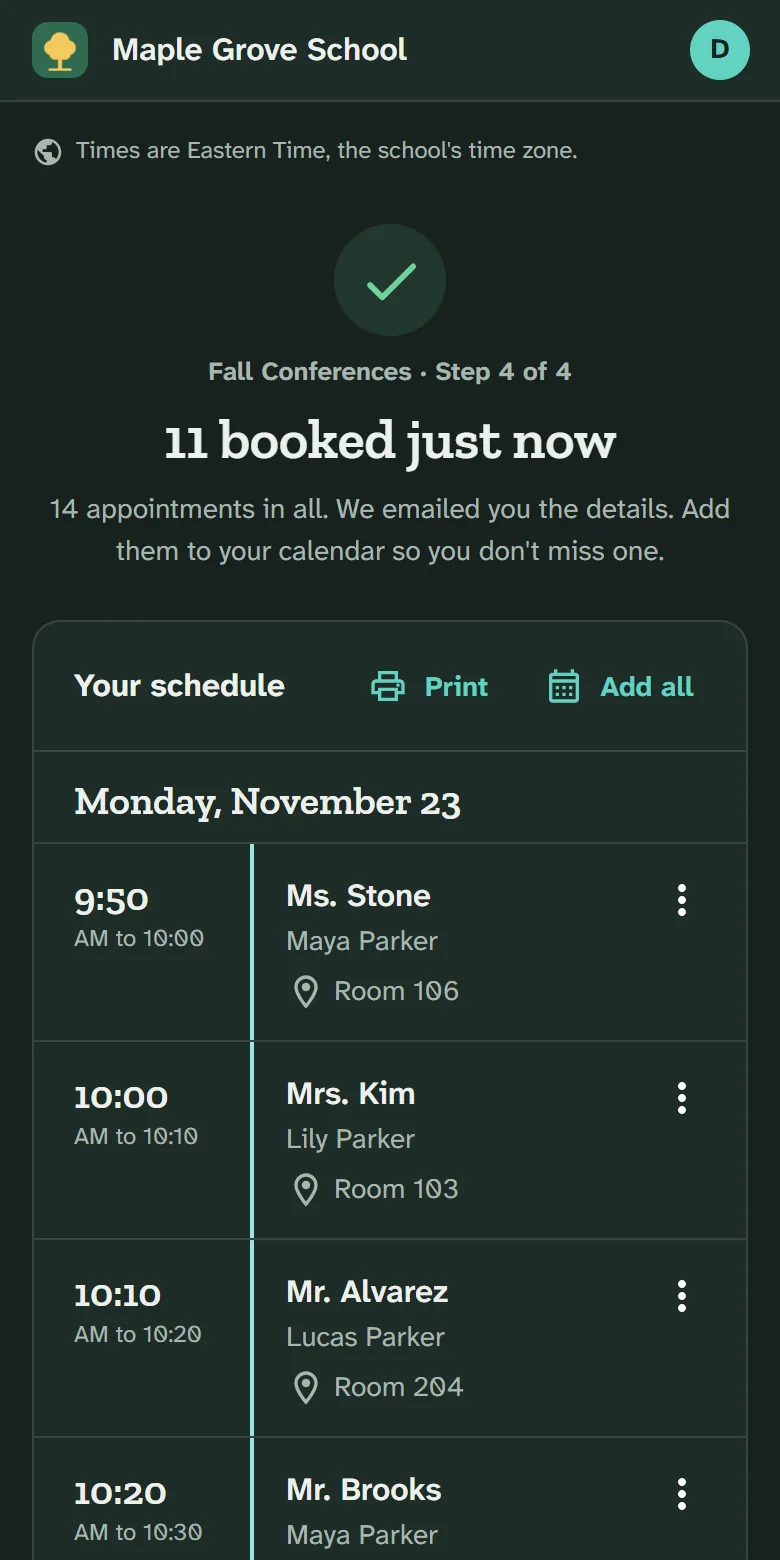
Conferences families can book from their phones.
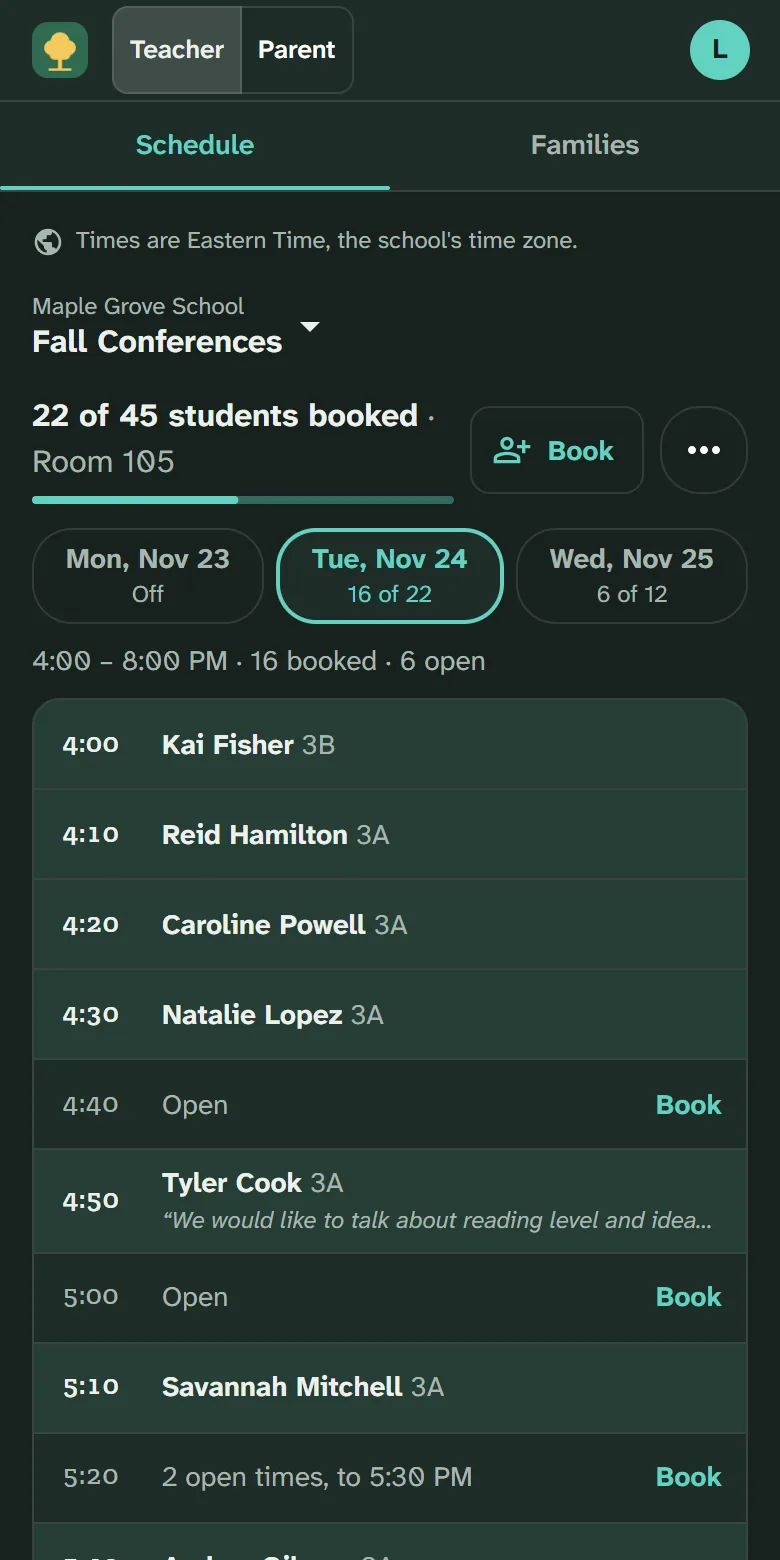
Families choose their times, teachers see their schedule, and the office sees every appointment on one screen.
Running conferences for your school?
You can set it up and start today.
What it does that a paper sheet can't
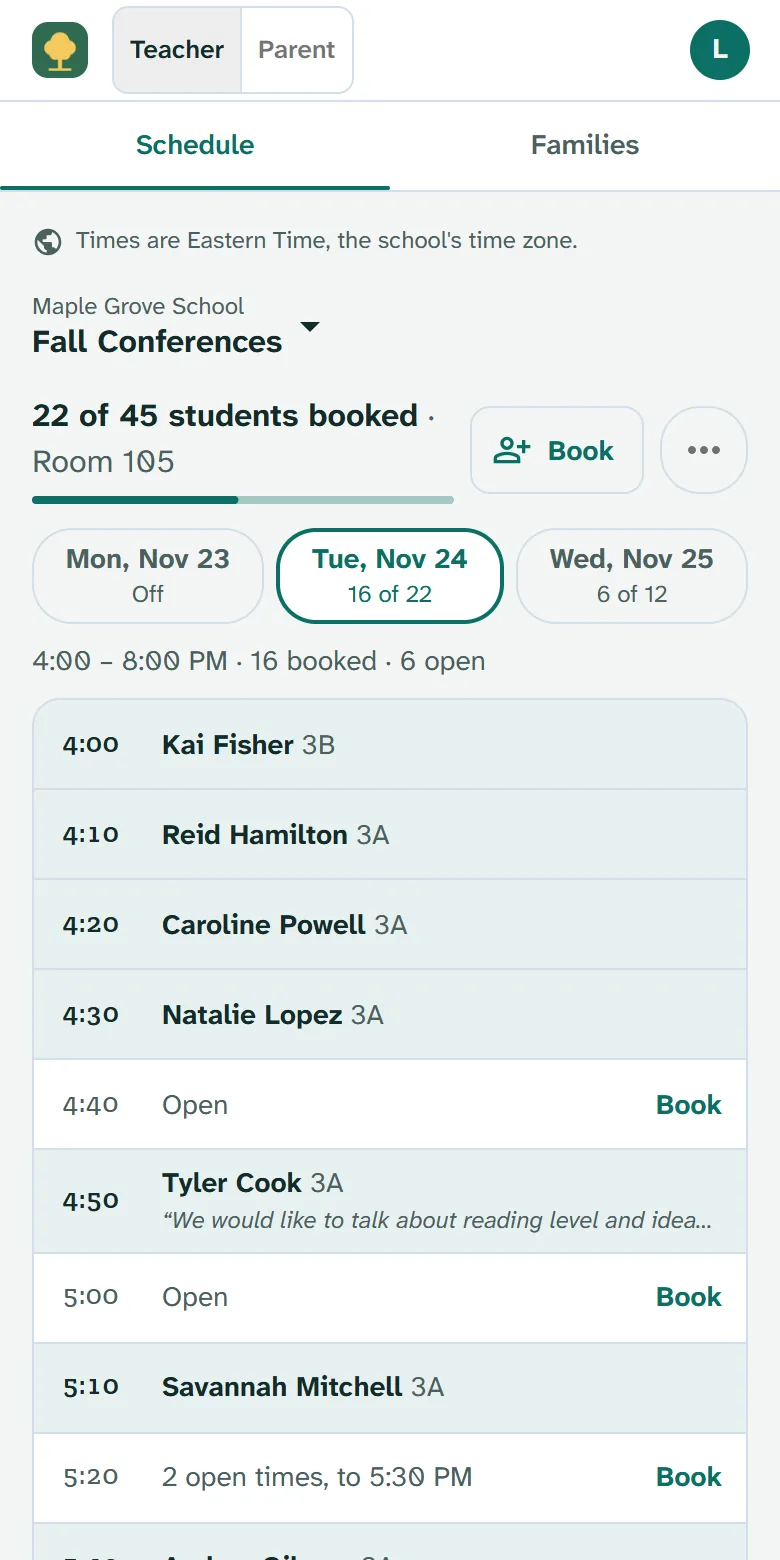
A shared teacher is never double booked.
When a family books a teacher who teaches several classes, that time is gone in every class and every conference. No clashes for the office to sort out.
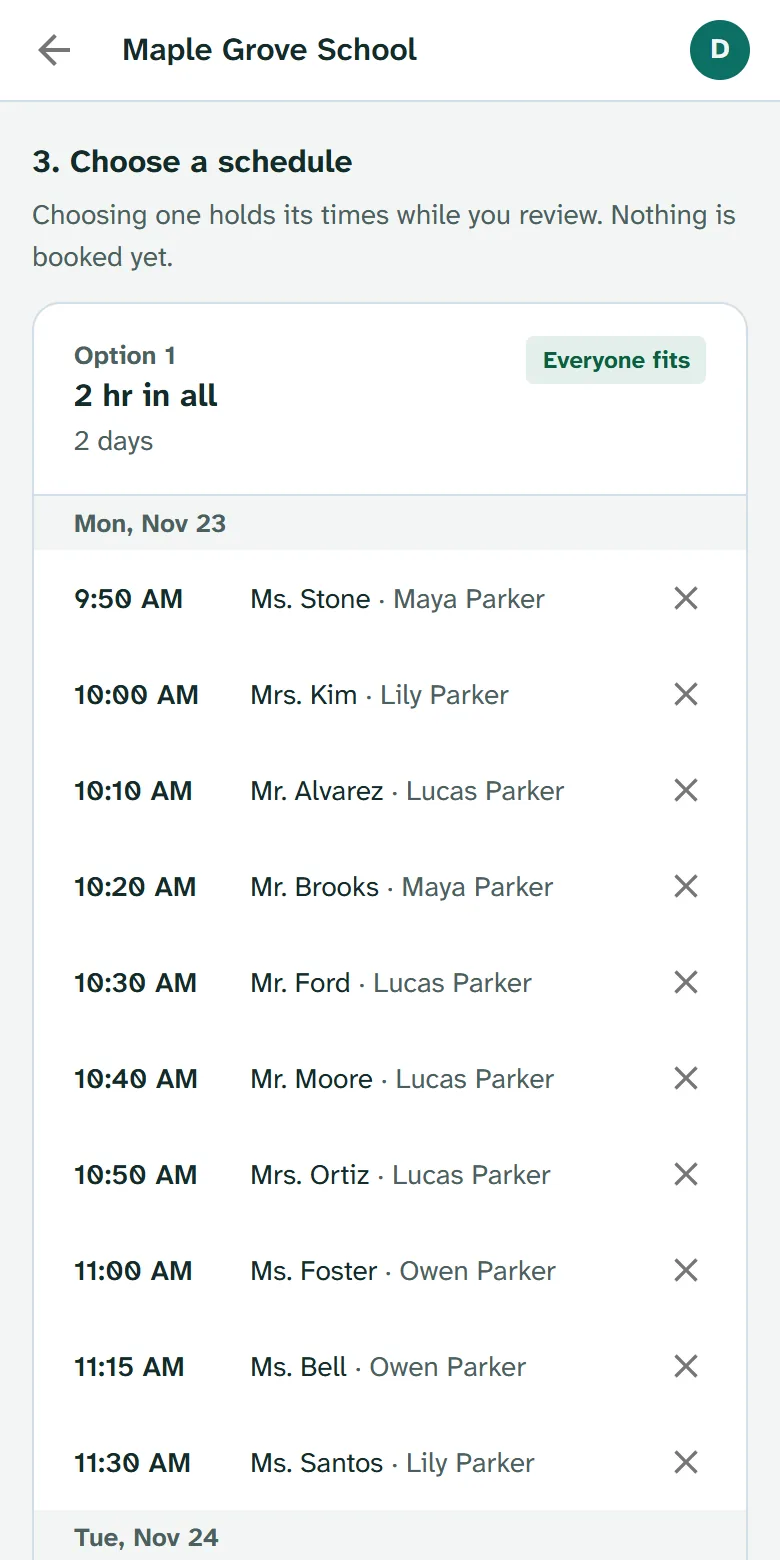
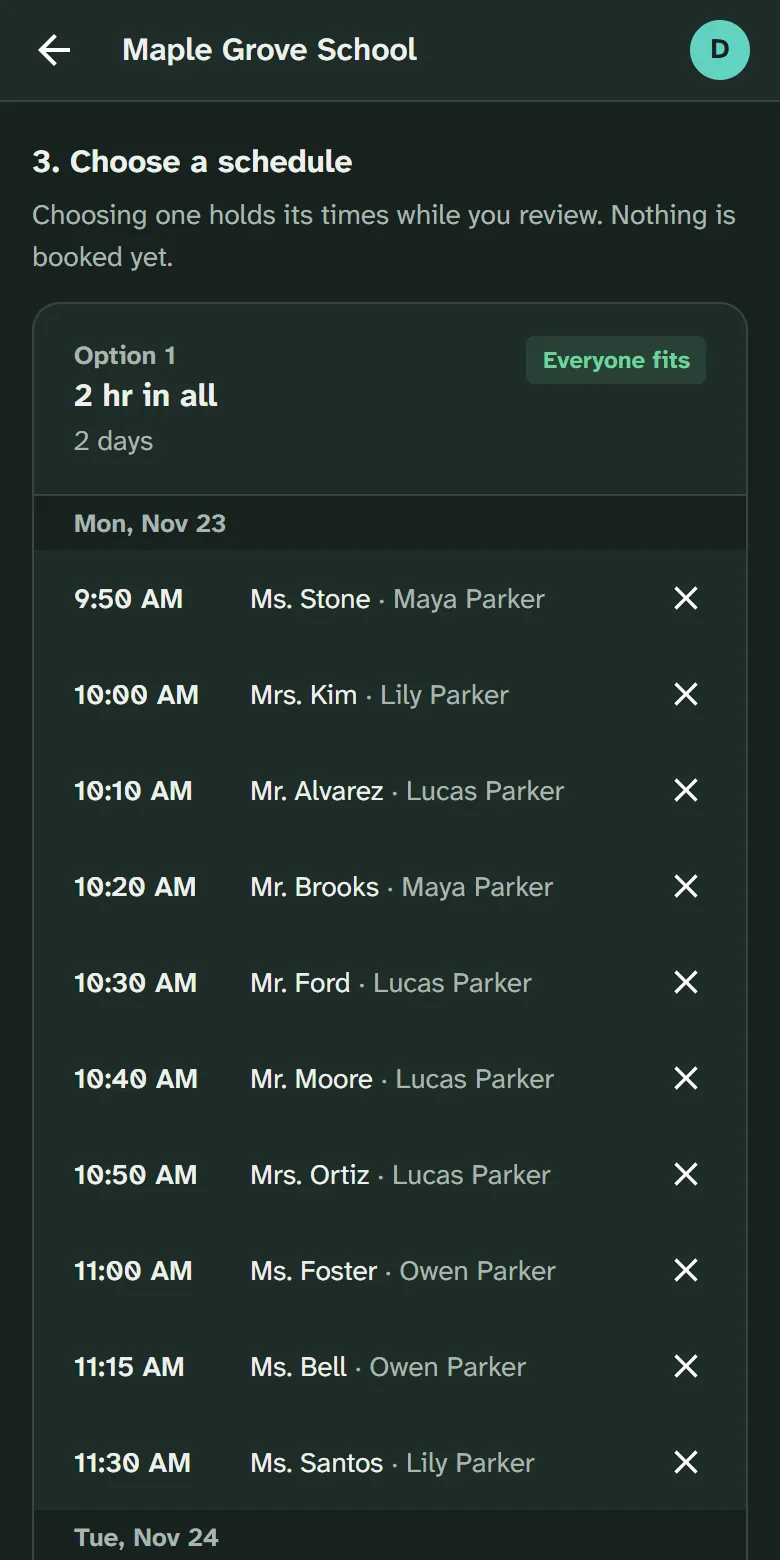
Several children, one suggested schedule.
Parents rank their teachers and say when they can come. We suggest two or three schedules that keep their meetings close together, and they pick one.
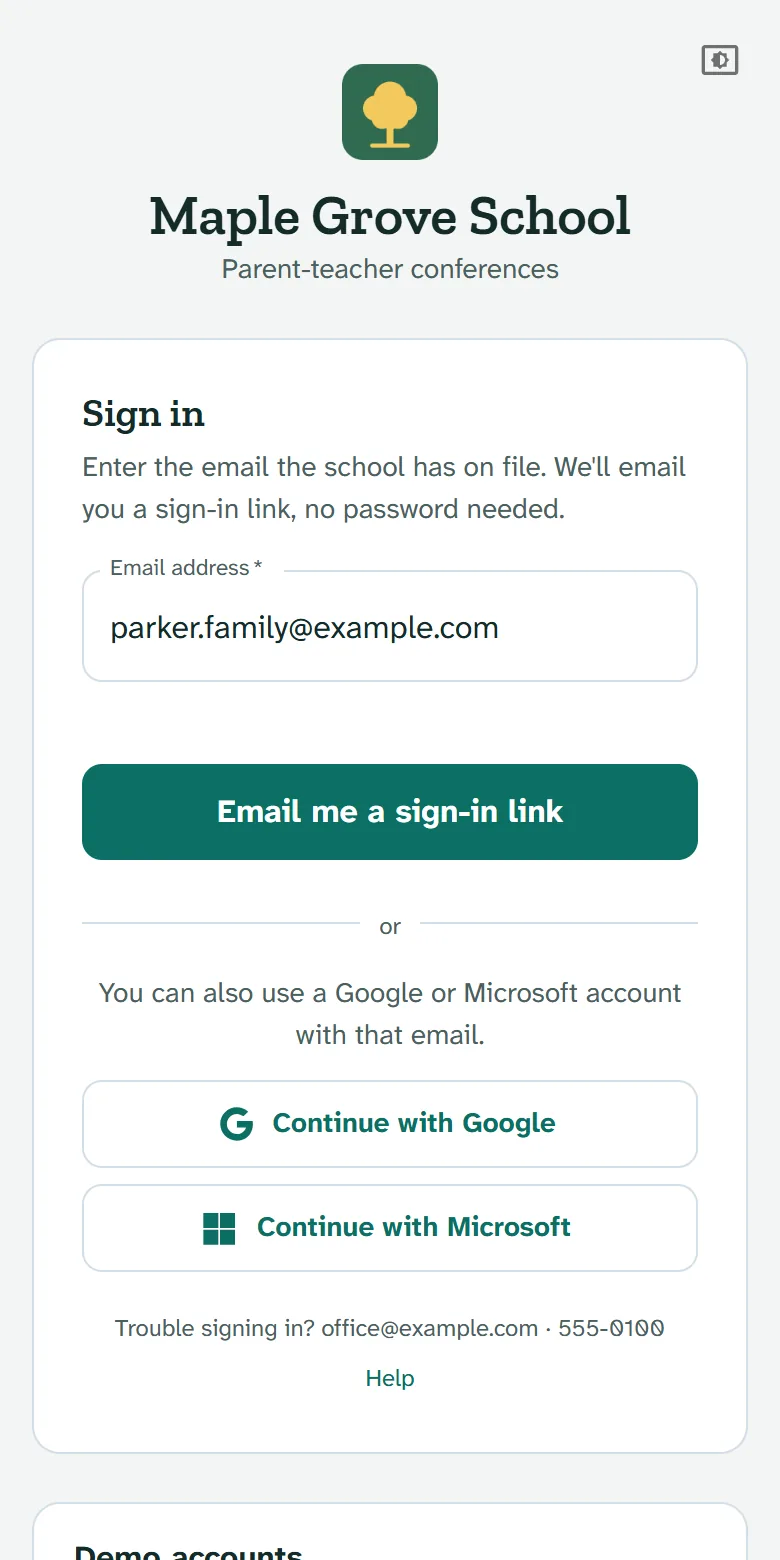
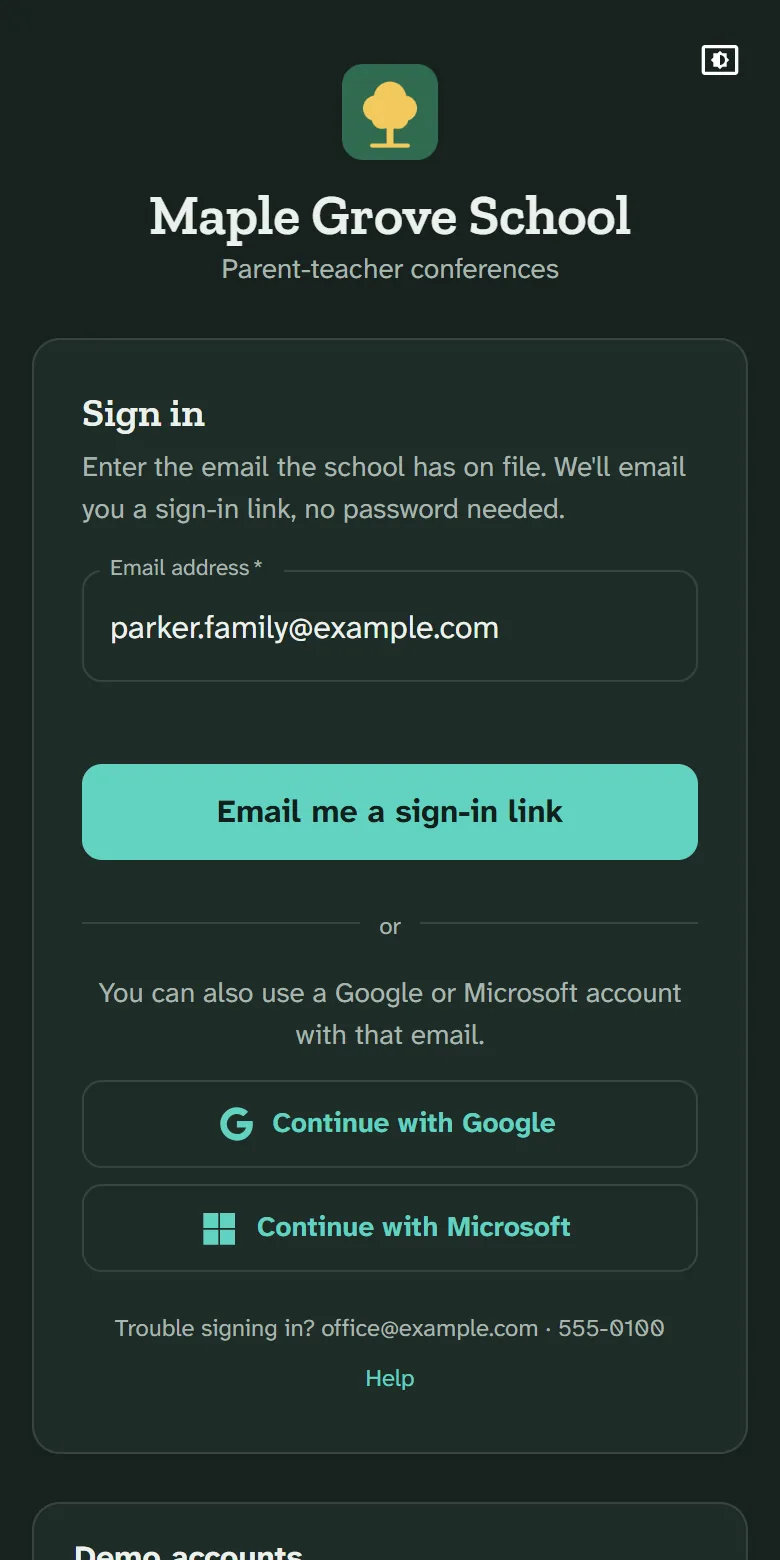
No password to forget.
Parents sign in with a link we email them, on any phone. Nothing to download. Google accounts work too.
How it works
Import your class lists.
Upload a CSV or Excel file from your student information system, or a ScheduLearn export. Check the preview before anything is saved.
Set the dates.
Choose the conference days and when booking opens and closes. Teachers mark their breaks.
Families book.
We email every family when booking opens. Families get a confirmation and a reminder the day before.
Fits the way your school runs
Each of these is a setting. Turn on what your school needs.
Teachers who meet together
Several teachers meet a family at once, booked as one appointment.
Siblings, your way
Parents with children who share a teacher can book one meeting, back to back sessions, or as each family chooses.
Specialists join in
Allow other staff, such as learning specialists, to join a student's meeting.
Split classes and levels
Students taught apart, like math levels, meet the teacher they actually have.
Early booking rounds
Open booking early for some families, like staff or families with several children, before everyone else.
Your name and logo
On the sign-in page and every email, sent in your school's name.
Also included
In person or online meetings
Appointment length by class
Time between appointments
Set a cancellation and rescheduling deadline
A daily summary for teachers
A live grid for admins to see and manage meetings as they are booked
A list of what needs attention
Printed schedules and door signs
Announcements to families
Day-before reminders
Calendar invitations
Google sign-in
Divisions and buildings
Several admins
Ready for your next conferences?
Set up your school, import your class lists, and invite families when you're ready.